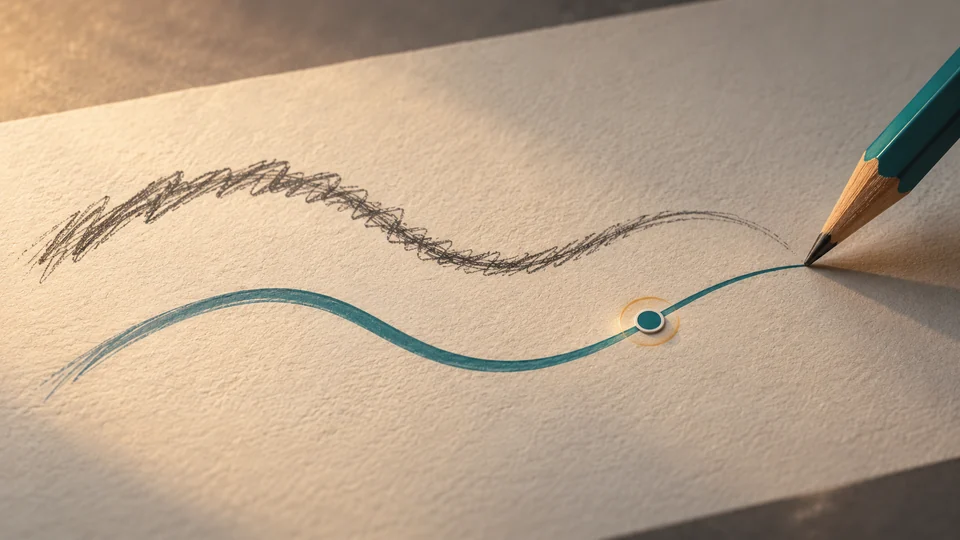
先在铅笔工具控制栏调整Smoothing,鼠标绘制时可适当增加平滑值。若希望画完后还能继续调,用“LPE based interactive simplify”;确认结果前不要点“LPE simplify flatten”,因为固化后不能再调整这条路径的平滑程度。
依据Inkscape Beginners’ Guide 1.3,不给任意鼠标或画风规定统一数值。只是官方流程说明,并非本站画线实测;软件译名和按钮位置以安装版本为准。 资料参考Inkscape Beginners’ Guide;Elisa de Castro Guerra与Inkscape文档社区,CC BY-SA 4.0:https://creativecommons.org/licenses/by-sa/4.0/。本文为中文原创整理,不复用原指南图示。
适用条件
- 适用范围
- Inkscape铅笔工具的平滑与交互简化;不混同钢笔落节点、节点类型或硬件压感设置。
说明与步骤
先确认正在用铅笔工具
F6或P可切换到铅笔工具,按住鼠标左键拖动绘制。若只想画宽度一致的轮廓线,可在Shape中选None,不要把画笔外形造成的粗细变化都当成手抖。
给鼠标绘制选择合适的平滑程度
指南说明鼠标绘制时增加Smoothing会让线条不那么潦草。先围绕自己的线条目标调整,而不是把某个固定数值当通用答案。
要在画完后继续调整,用交互简化
“LPE based interactive simplify”可让绘制完成后继续调整平滑程度。它和只在落笔前改数值的任务不同,选择前先想清楚是否需要保留后续调整空间。
确认前先别固化
“LPE simplify flatten”会锁定交互平滑的结果,之后不能再调该路径的平滑程度。想回到默认参数时,指南另列有悬停提示为“reset pencil parameters to default”的按钮。
关键说明与依据
铅笔工具快捷键是F6或P,按住左键拖动画线。
Inkscape Documentation Authors · 直接支持
F6 or P The behavior of the Pencil tool depends on the settings in its controls bar. To draw with this tool, press the left mouse button and drag the mouse around the canvas.
不取自定义剪贴板笔刷、点阵尺寸、第三方样图或压感性能;不伪造自己的软件实验。
查看原始来源Shape的None使路径轮廓沿全长宽度一致。
Inkscape Documentation Authors · 直接支持
None The drawn path’s outline will be of the same width along the whole length of the path.
不取自定义剪贴板笔刷、点阵尺寸、第三方样图或压感性能;不伪造自己的软件实验。
查看原始来源鼠标绘制时加大Smoothing可让线条不那么潦草。
Inkscape Documentation Authors · 直接支持
You can set the amount of Smoothing for the path you want to draw. When you use a mouse for drawing, making this value larger will make the line look less scrawly.
不取自定义剪贴板笔刷、点阵尺寸、第三方样图或压感性能;不伪造自己的软件实验。
查看原始来源交互简化可在画完后调平滑;flatten锁定结果后不可再调。
Inkscape Documentation Authors · 直接支持
The button LPE based interactive simplify allows you to draw a path where you can adjust the smoothing after you have finished drawing the path. Use the button LPE simplify flatten to lock the result of the interactive smoothing. After it has been used, the path’s smoothing can no longer be adjusted.
不取自定义剪贴板笔刷、点阵尺寸、第三方样图或压感性能;不伪造自己的软件实验。
查看原始来源可通过指南指定悬停提示的按钮恢复默认平滑参数。
Inkscape Documentation Authors · 直接支持
To reset your changes to smoothing to the default value, you can use the button where the hover text says reset pencil parameters to default.
不取自定义剪贴板笔刷、点阵尺寸、第三方样图或压感性能;不伪造自己的软件实验。
查看原始来源阅读互动与隐私
默认记录互动,无需先勾选;这不代表你已明确同意。已有的停止记录选择会保留,浏览器的「请勿跟踪」或全球隐私控制优先。不允许统计也可以分享。
取消勾选会停止记录,删除本浏览器的互动明细并取消点赞;已聚合的阅读与分享点击保留,因为其中不含浏览器标识。
阅读、点赞和分享点击都按浏览器去重,说的是「阅读」而不是访客人数;清理浏览器或换设备会重新计一次。
只有正文真正停留在屏幕上时才累计阅读时长;切到别的标签页、或只停在页头页脚都不累计。分享按钮统计的是点击,不代表已经成功发送;分享链接只是本页的正式网址。
版本 1.0
版本 1.0 · 当前公开 · 2026-11-20 20:00